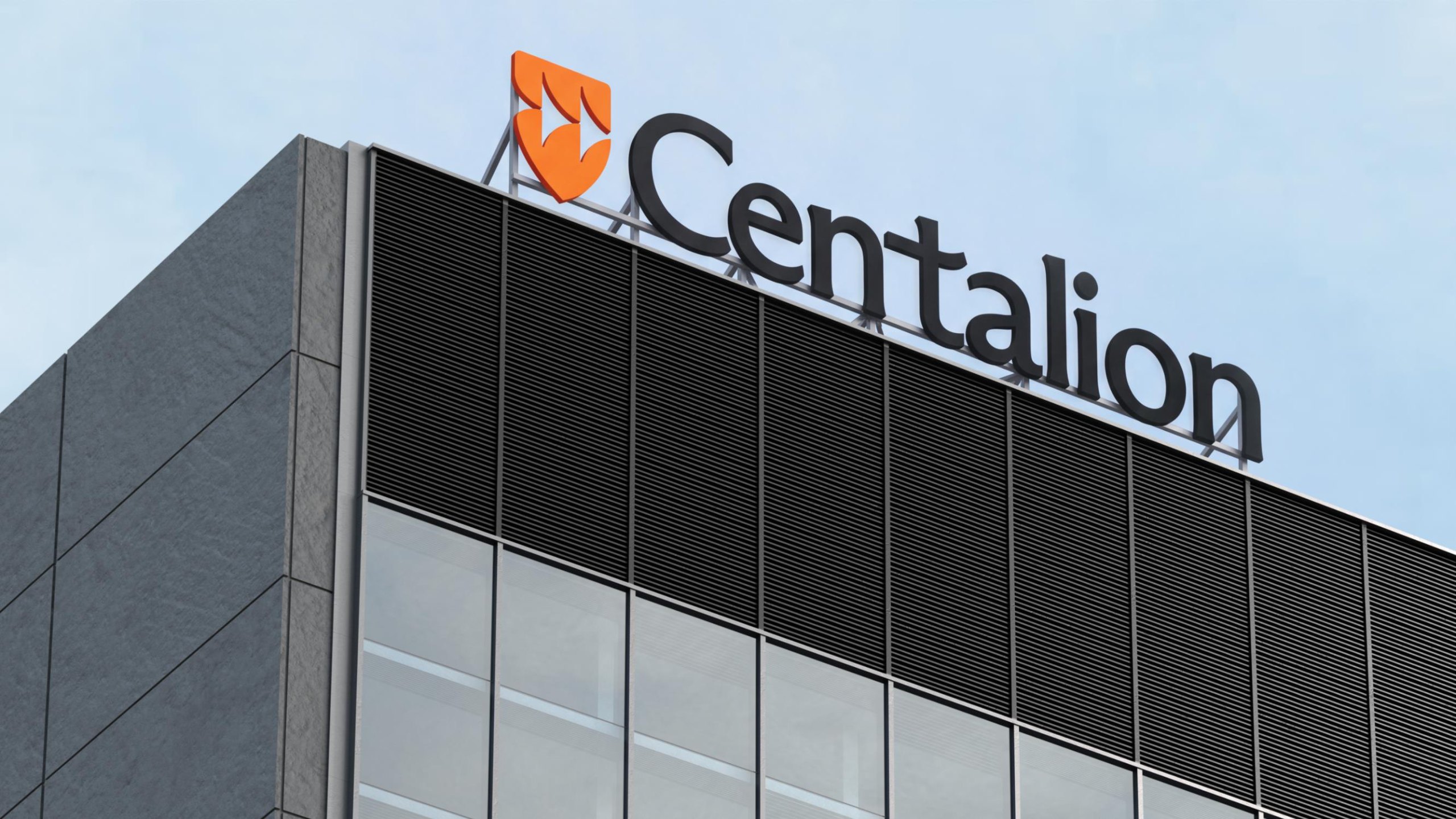
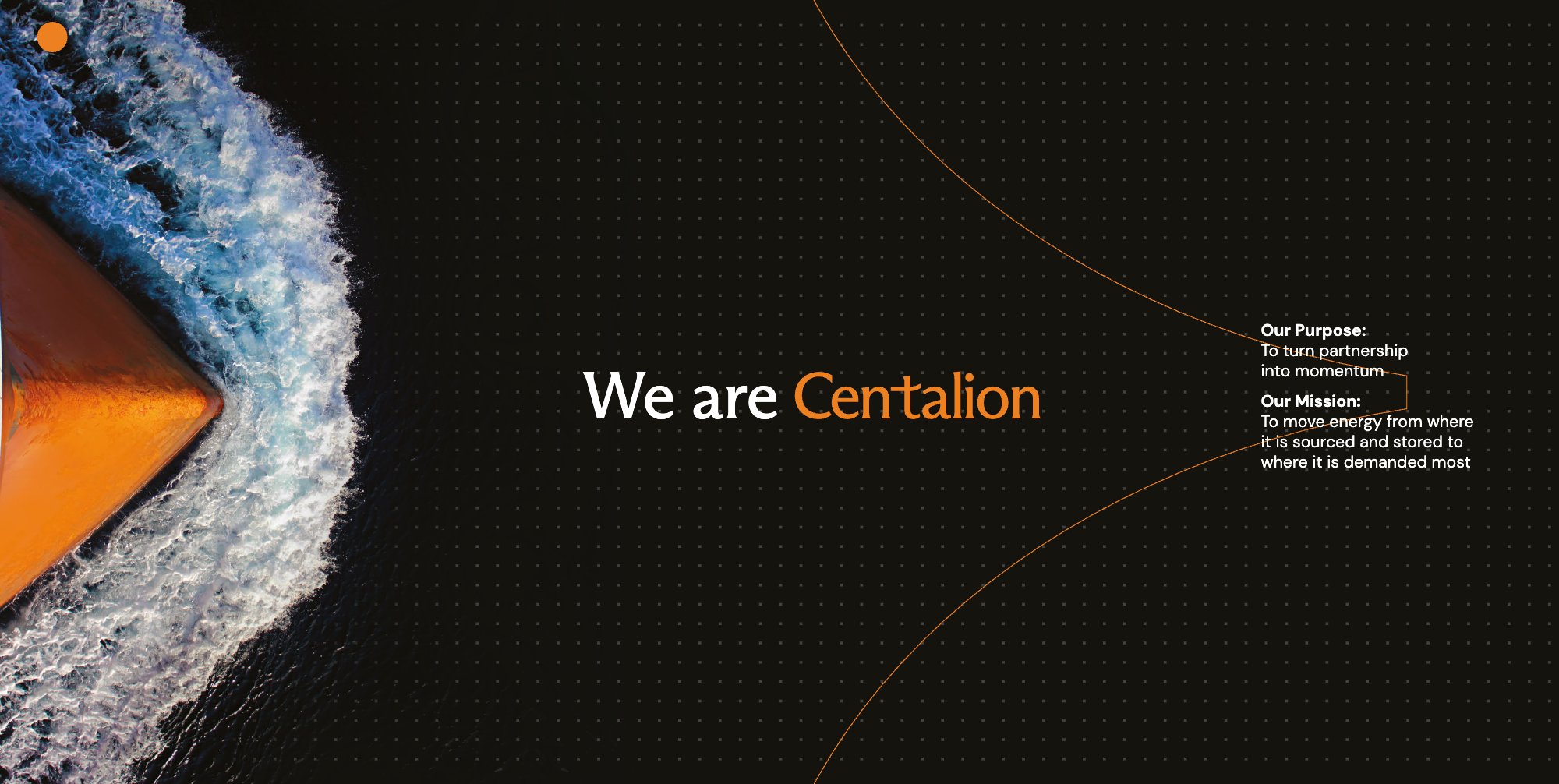
Centalion moves vital resources from where they are sourced and stored to where they are demanded most. Our brand exists to help us do that as one team.
These guidelines are the single source of truth for how Centalion looks, sounds and behaves. They set out the essentials: our logo, colour, typography and graphic elements, and how we use them together.
Every time someone sees Centalion, they should feel the same confidence, energy and partnership. That consistency is what builds a strong brand, and it depends on every one of us.
Our colour is black.
Black leads everything we make. White gives it room to breathe, and orange is the pop, used sparingly for one key moment. Centalion is a black brand, not an orange one.
Everyone who creates for Centalion: our people, our partners and our agencies.
02
What they cover
The core elements of our identity and the rules for using them. Section by section, from logo to governance.
03
Use the master files
Always work from the supplied logo files in Resources. Never redraw or recreate them.
04
Guidance, not a cage
The rules protect the brand; the examples show what is possible. When something isn't covered, ask before you create.
05
Always up to date
The latest version lives online at brand.centalion.com. If you're reading a PDF, check there for updates.
06
Need help?
Brand approvals and questions go to the brand team. See Brand governance.
01.3
Centalion: Moving as one
Our idea is simple: move as one. Our promise is to turn partnership into momentum.
Shared challenges forge collectives. No single perspective holds the whole picture. We champion each other, agile in response and united in conviction.
High performance
High empathy
High energy
02
Logo
Our logo
The badge and the wave
Wordmark
Clear space and minimum size
Colour versions
Logo misuse
02.1
Our logo
Our logo is the clearest expression of Centalion. It brings together the badge, which carries the wave, and the Centalion wordmark. It comes in two lockups: horizontal, our first choice, and stacked, for narrow or square spaces.
SVG, PNG and PDF for every version, plus the logo animation, in 07.1 Logo files.
Horizontal lockup
Stacked lockup
Badge only
02.2
The badge and the wave
The badge is our symbol of strength and protection. Within it sits the wave: chevrons moving forward together, showing many parts moving as one. Use the badge on its own only where the Centalion name is already clear, such as app icons, social avatars and merchandise.
The badge and the wave
02.3
Wordmark
Our wordmark is custom-drawn artwork. Its letters were redrawn from the original typeface: curves bent, joins reshaped and spacing tuned so the name reads as one confident shape.
Never retype it in any font, including Arizona Flare. Use the supplied files only.
The lettering, adjusted from the original typeface
02.4
Clear space and minimum size
Clear space. Keep the area around the logo free of text and graphics. The clear space, x, is half the width of the badge. It applies on all four sides.
Minimum size. Never use the logo smaller than these widths on screen: horizontal lockup 120 px, stacked lockup 48 px, badge on its own 24 px.
Clear spaceMinimum sizes
02.5
Colour versions
Choose the version that gives the strongest contrast with the background.
On black
On white
Single colour (mono)
On photography
From the Centalion presentation template. On photography, use the reversed logo on a calm, darker area of the image, away from busy detail.
02.6
Logo misuse
To protect our logo, never alter it. Some common mistakes:
Don't stretch or distort
Don't rotate
Don't place on busy backgrounds
Don't recolour
Don't rearrange the elements
Don't add effects or shadows
Don't outline
Centalion
Don't retype the wordmark
03
Colour
Core colours
Colour balance
Secondary palette: the Marine ribbon
The ribbon on dark backgrounds
Pop colours
Colour in charts
03.1
Core colours
Our colour is black. Centalion is a black brand with an orange pop. Black is our core colour: it leads every piece and gives the brand its confidence. White brings clarity and space. Orange is the spark, used sparingly so that it always stands out.
60%
35%
5%
Centalion black#14130ERGB 20 19 14CMYK 74 67 67 89Pantone Black 6 C
For dark areas on screen use Centalion black #14130E, a warm off-black, not pure #000000. CMYK values are for coated stock (FOGRA39).
03.2
Colour balance
Black leads. It sets the tone of every layout, with white giving clarity and room to breathe. Orange is the pop: the badge, a key word, a single line, one call to action. Use less of it than you might expect; it is strongest when it is rare.
Black 60%
White 35%
Orange 5%
A typical balance across a piece of communication
03.3
Secondary palette: the Marine ribbon
The Marine ribbon gives us fifteen colours for charts, diagrams and infographics. Its blues, teals and greens come from the sea and the ships that move our energy. On white and light backgrounds, use this order.
Five warm pop colours highlight one thing: a key figure, a change, the slice that matters. Use one per chart, keep it small (about a tenth of the area), and never use a pop colour as a series colour.
Port red is the pop colour on white. Buoy yellow is the pop colour on black.
P1
Hull rust#B4532ARGB 180 83 42CMYK 6 73 91 28
P2
Port red#A8322DRGB 168 50 45CMYK 4 93 84 34
P3
Buoy yellow#E3A72FRGB 227 167 47CMYK 10 36 91 3
P4
Brass#B08D57RGB 176 141 87CMYK 31 42 73 11
P5
Hemp rope#D8C7A3RGB 216 199 163CMYK 20 21 41 0
Highlight one thing
Colour the one bar, point or label you want noticed. Keep the rest of the chart in a single ribbon blue so the pop colour has room to work.
Show a change
Use a pop colour to mark a movement: a latest value, a record, a variance against target. Pair it with a short label.
Don't over-use
Pop colours should cover no more than about 10% of a graphic, with one pop colour per chart. If everything is highlighted, nothing stands out.
03.6
Colour in charts
Use ribbon colours in order, starting from 01.
A chart with more than fifteen series loops back to 01.
Neighbouring colours always contrast, so keep the order.
Don't use Tidewater (02) as one of a chart's two lead colours.
Use one pop colour for one highlight. The highlighted bar or slice, its leader line and its label share the pop colour.
Products by volume
Each product takes the next ribbon colour, starting from 01.
Volume history, million MT
Each year takes the next ribbon colour. Values sit on top of each column, so the chart needs no value axis.
Volume by region
Segments follow the ribbon order from 01, labelled outside the ring.
Figures from the Centalion presentation template and chart colour guide.
04
Typography
Primary typeface: ABC Arizona Flare
Body typeface: DM Sans
Type hierarchy
Emphasis in orange
04.1
Primary typeface: ABC Arizona Flare
ABC Arizona Flare is our voice in type. Its flared strokes are crisp and contemporary, with a human warmth. Use it for headlines, titles, large numbers and short statements.
It is a licensed typeface from Dinamo. Ask the brand team for access; don't download it from other sources.
Use: Regular for body copy and captions. Medium for subheads, labels and emphasis.
Moving vital resources to where they are needed most
04.3
Type hierarchy
Keep the hierarchy simple: one display level, one or two heading levels, then body. Headlines are set in sentence case with tight leading.
Display Arizona Flare Regular
Moving as one
Headline Arizona Flare Regular
Turning partnership into momentum
Subhead DM Sans Medium
Where energy is sourced, stored and demanded
Body DM Sans Regular
We move vital resources from where they are sourced and stored to where they are demanded most. Shared challenges forge collectives, and no single perspective holds the whole picture.
Caption DM Sans Regular
Source: Centalion, FY 2025
04.4
Emphasis in orange
To give a headline focus, set one key word or phrase in Centalion orange. Use it once per headline, and only in Arizona Flare at headline size. Never use orange for body text.
Example
Turning partnership into momentum
05
Graphic elements
The Flare
The Flare dot grid
The line
Bringing it together
05.1
The Flare
The Flare is a square with gently concave sides, echoing the flared strokes of our typeface. It is the single building block of our graphic language.
Construction. Start with a square. Each side curves inward in one smooth arc, drawn from a single control point at the midpoint of the side. The middle of each side bows in by one sixteenth of the side length.
In the Flare grid generator, this is drawn on a 400 × 400 master with a 10% inset and a 5% midpoint bow.
Construction of the Flare
Grey on black
Black on white
The Flare only ever appears in these two pairings. It is never orange or any other colour.
05.2
The Flare dot grid
Repeated on an even grid, the Flare becomes a quiet texture of dots. It sits behind content on black backgrounds, giving depth without noise, and it runs through this site.
Keep the grid regular and subtle: white Flares at low opacity on Centalion black. Each Flare is about 15% of the grid pitch. Never rotate, distort or colour individual Flares.
Flare grid generator
Build a Flare dot grid at any size or ratio, then export a clean SVG or copy it straight into Figma. Download the file and open it in your web browser.
A single fine orange line sweeps across our layouts, connecting ideas, images and messages. It expresses movement and the links between people, places and markets.
Keep it thin and smooth, with long, gentle curves. Use one line per layout and let it run off the edge.
From the Centalion brand booklet
05.4
Bringing it together
Black, the dot grid, one orange line and an Arizona Flare headline with one word in orange. Add the logo, and every piece is recognisably Centalion.
Turning partnership into momentum
06
Brand governance
Brand ownership
What needs approval
Approvals process
Requesting exceptions
Before you publish
06.1
Brand ownership
The Centalion brand is owned by Corporate Affairs. The brand team looks after these guidelines, the master artwork and templates, and approves how the brand is used.
Everyone who creates for Centalion shares responsibility for using the brand correctly, from our own people to our partners and agencies.
Corporate Affairs
Owns the brand
Sets the direction, keeps these guidelines up to date and makes final decisions.
Teams and regions
Apply the brand
Use the master files and templates, and check work against these guidelines.
Agencies and partners
Work to the guidelines
Receive the guidelines and files at briefing, and submit work for review.
06.2
What needs approval
Check with the brand team before you produce:
01
External materials
Advertising, publications, reports, videos and anything else seen outside Centalion.
02
Signage and environments
Building signs, office interiors, vehicles, events and exhibition stands.
03
Co-branding
Any use of the Centalion logo alongside a partner, sponsor or joint-venture logo.
04
Merchandise
Clothing, gifts and promotional items carrying the logo or badge.
05
Digital channels
New websites, apps, social media accounts and profile artwork.
06
Anything new
Any use these guidelines don't cover, or any change to the master artwork.
06.3
Approvals process
BriefTell the brand team what you are making, who it is for and when you need it.
CreateWork from the master logo files in Resources and the official templates.
SubmitShare a draft early, so changes are quick and cheap.
ReviewThe brand team checks the work against these guidelines and replies with approval or changes.
PublishRelease the approved version only, and keep a copy for reference.
06.4
Requesting exceptions
Sometimes a project needs something the guidelines don't allow. Ask before you create: explain the need, show where it will be used and suggest how it could work. If an exception is agreed, it applies to that project only.
When something isn't covered, ask before you create.
06.5
Before you publish
The logo comes from the master files and hasn't been redrawn, retyped or altered.
The logo has its clear space and is above minimum size.
The logo version gives the strongest contrast with its background.
Colours use the exact values in Colour.
Headlines are in ABC Arizona Flare; text is in DM Sans.
Orange is used with intent, not everywhere.
The work has been approved where needed.
07
Resources
Logo files
Which file to use
Contacts
07.1
Logo files
Download the official logo artwork. Each version comes as SVG, PNG and PDF, and the logo animation as video.